





How do I access the online course?
01
How do I access the purchased course?
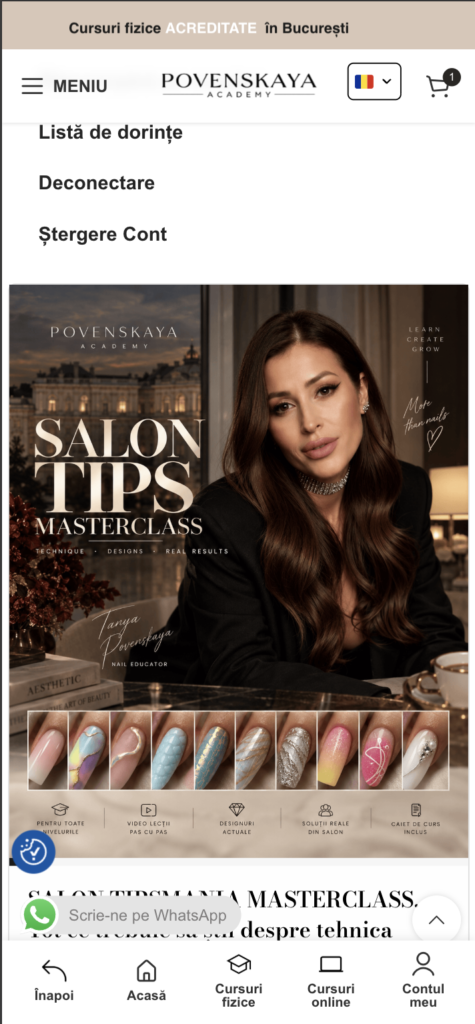
After purchasing the course, it will be available in your user account.
1
Log in to your account. You can sign in by clicking here.
!
Important
The course will only become available once the order is confirmed and completed. If the payment is still being processed, the course will not appear in your account yet.
2
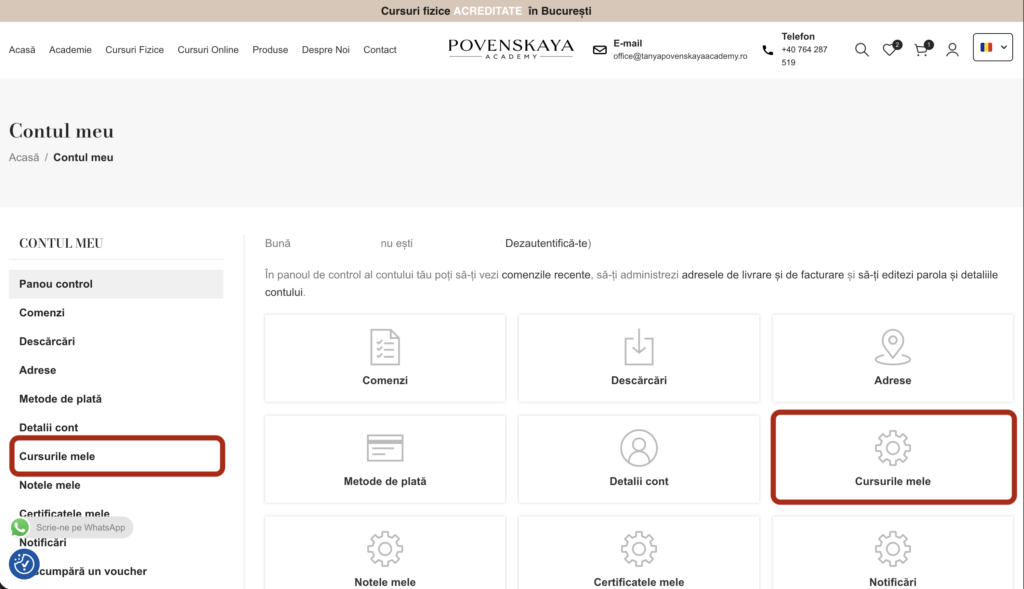
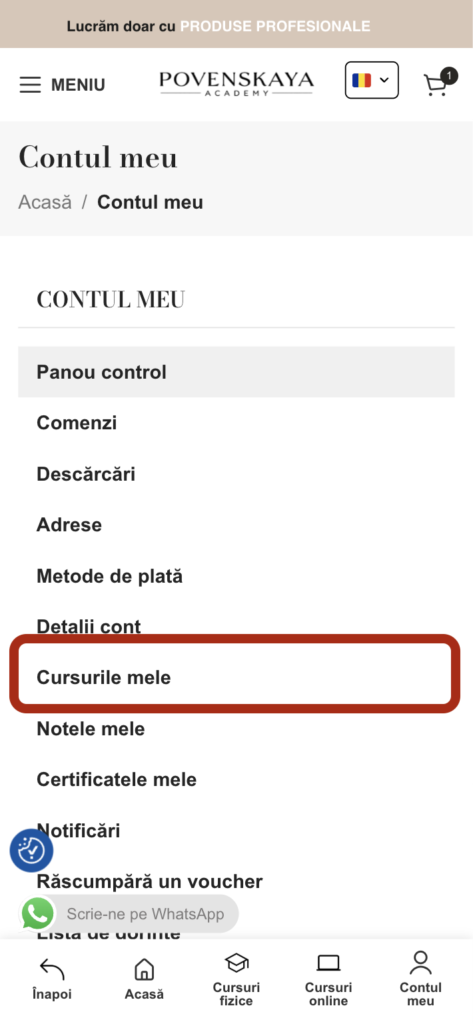
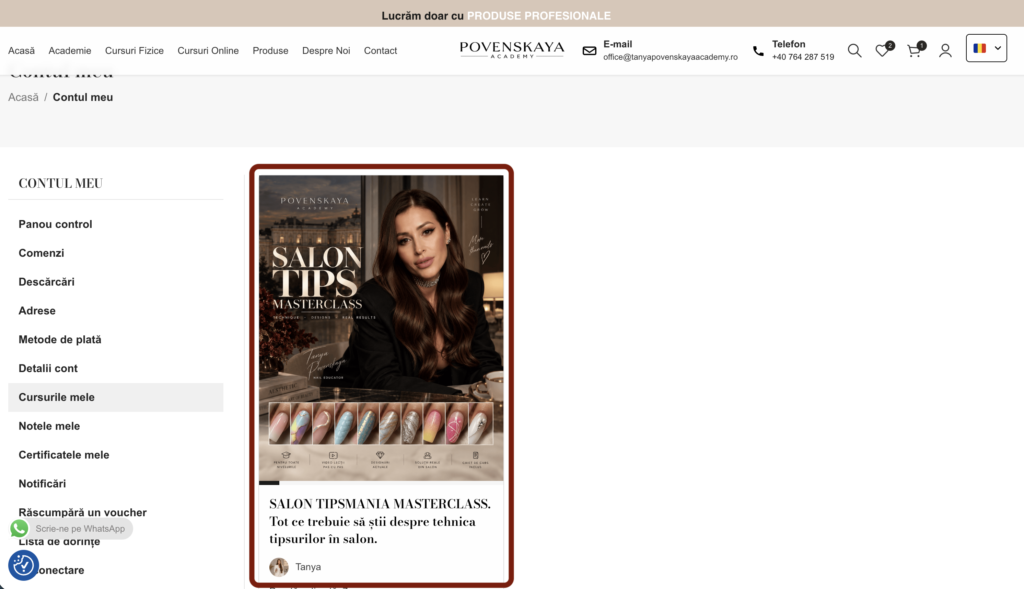
After logging in, open the MY COURSES page.
3
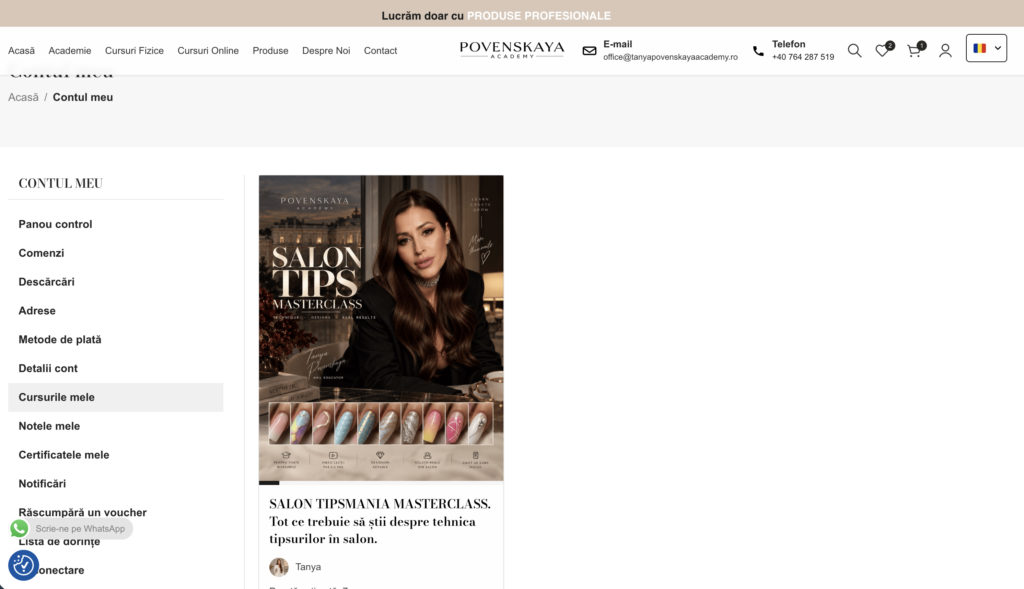
All purchased courses will be listed there.
02
How do I complete a lesson?
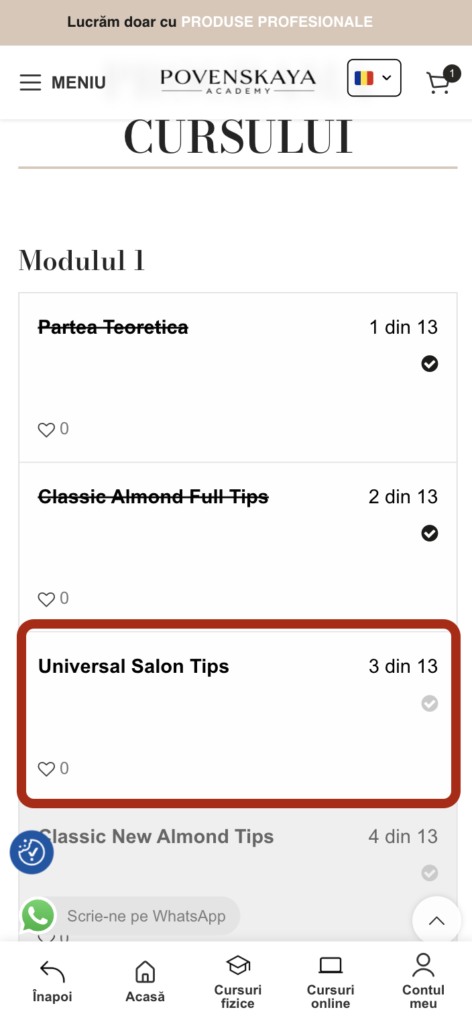
To ensure your progress is recorded correctly, each lesson must be marked as completed.
1
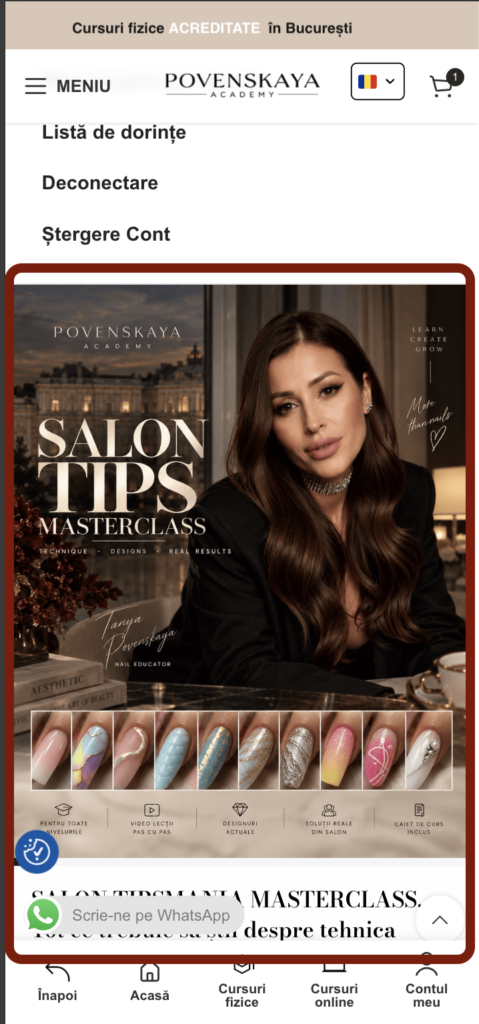
Go to the page of your purchased course.
!
Important
2
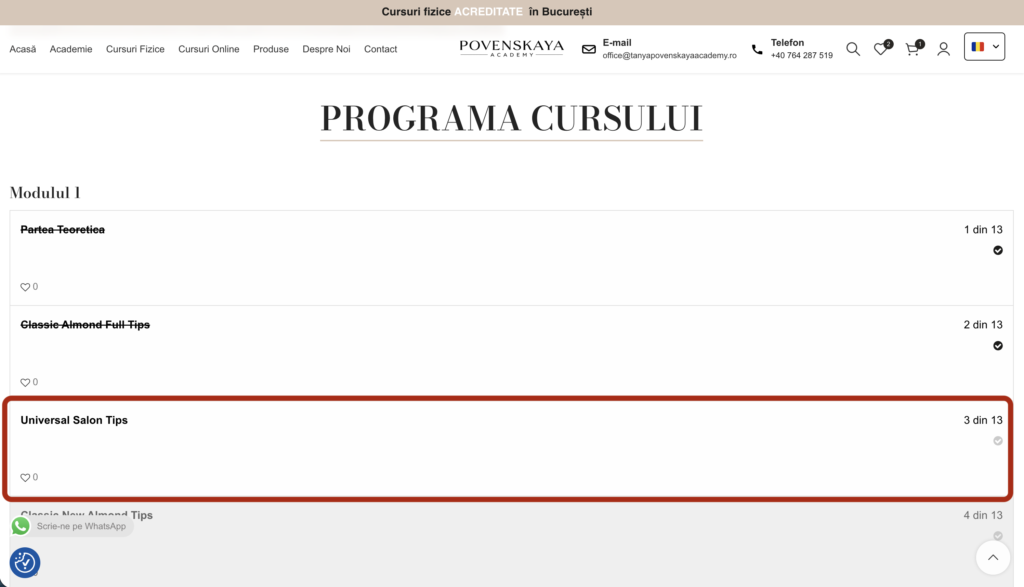
Open the lesson where you left off to continue the course.
3
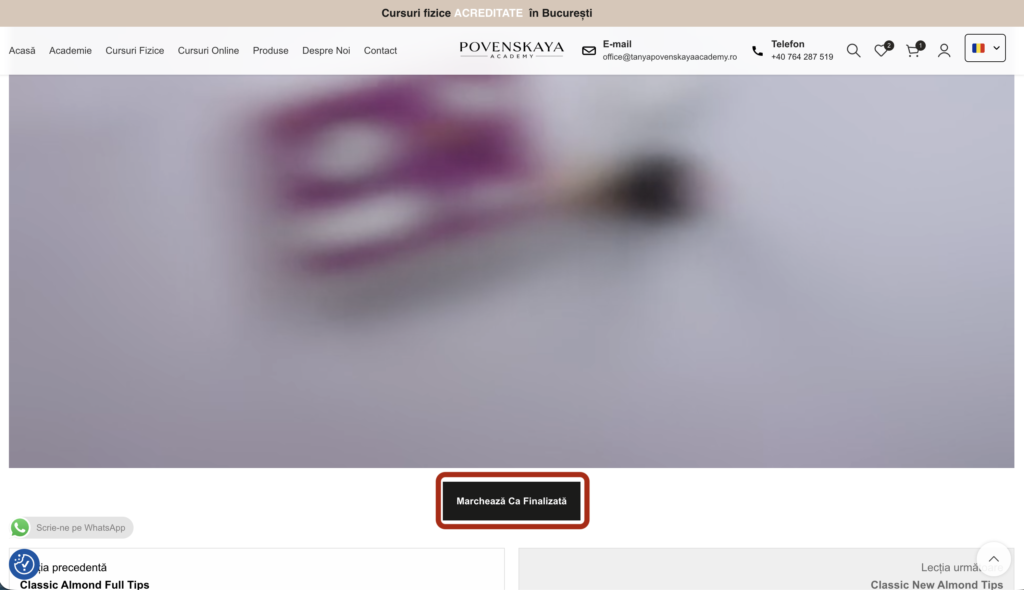
Go through the available materials or watch the video, then click MARK AS COMPLETED.
03
How do I generate my certificate?
After completing the course, you will be able to generate your certificate directly from the course page.
1
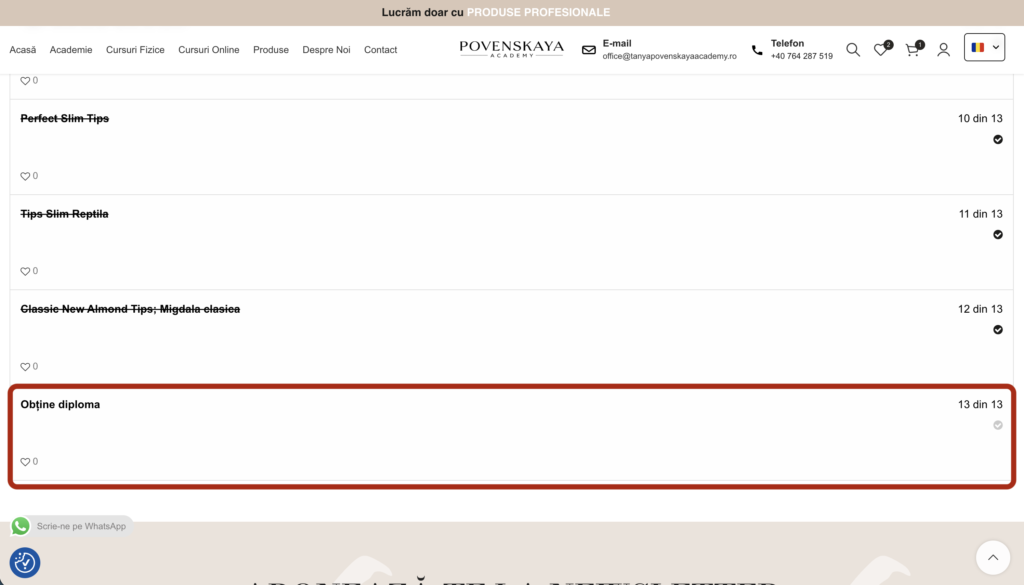
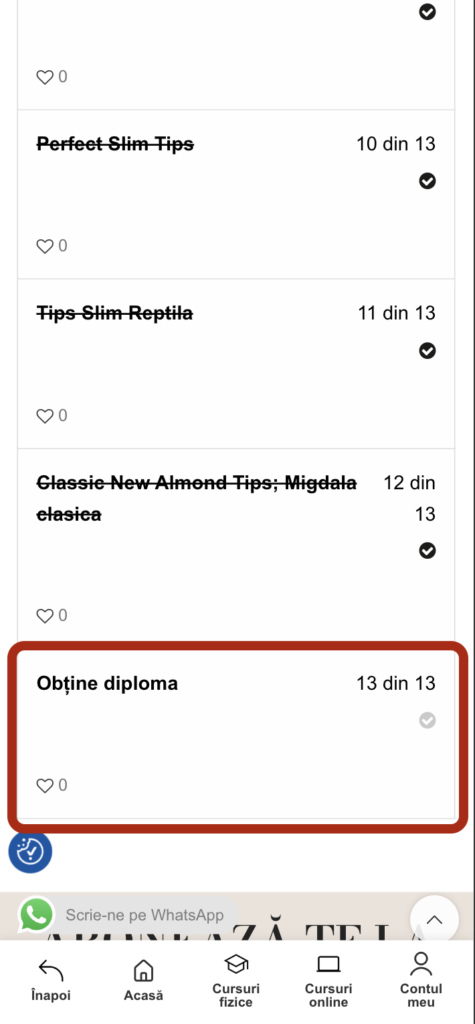
Check that your course progress is complete so that access to the final lesson is unlocked.
2
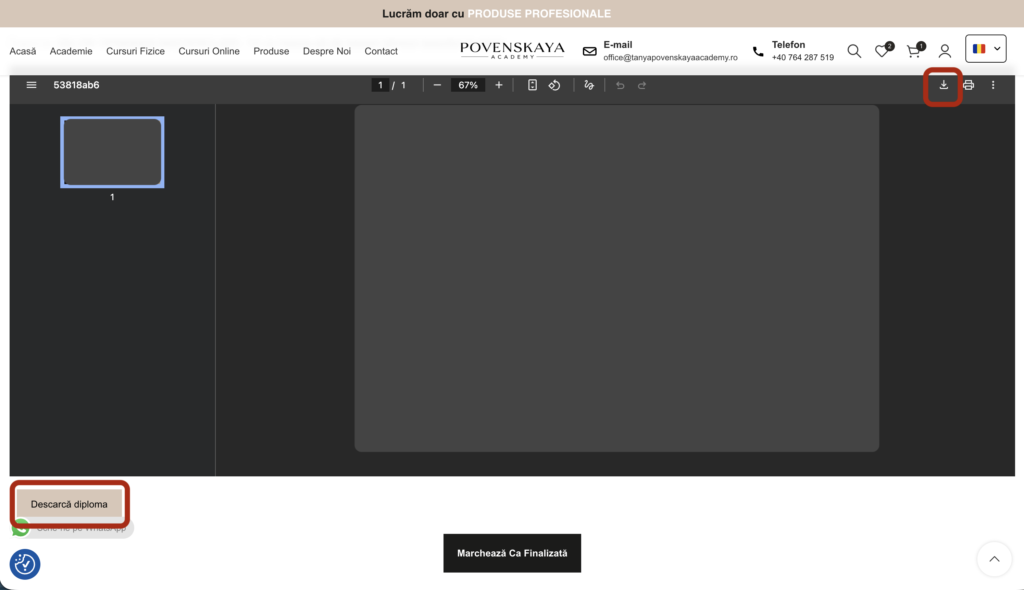
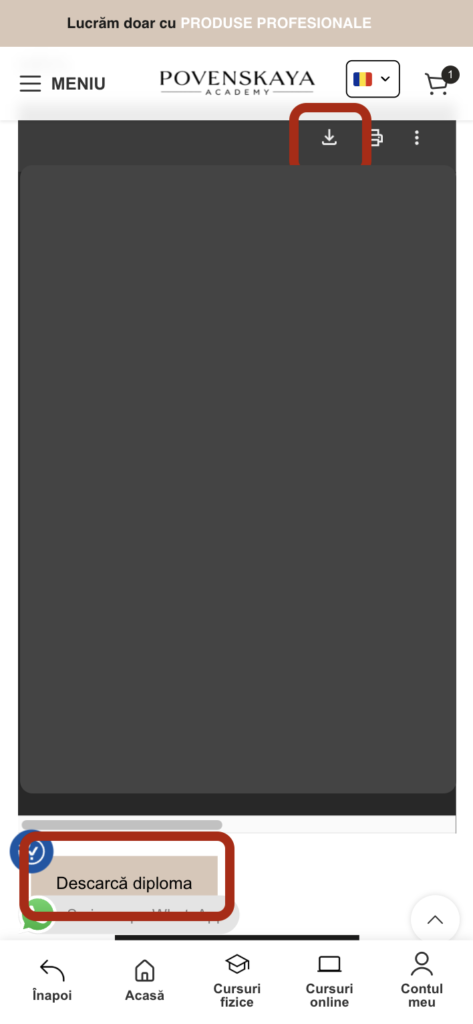
Open the lesson. From here, you can download your certificate by clicking one of the displayed buttons.
3
The certificate will be downloaded in PDF format. It can be printed and manually filled in with the student's first and last name.